3D Dinosaur Vector Plans: Laser Cut Animal Shapes
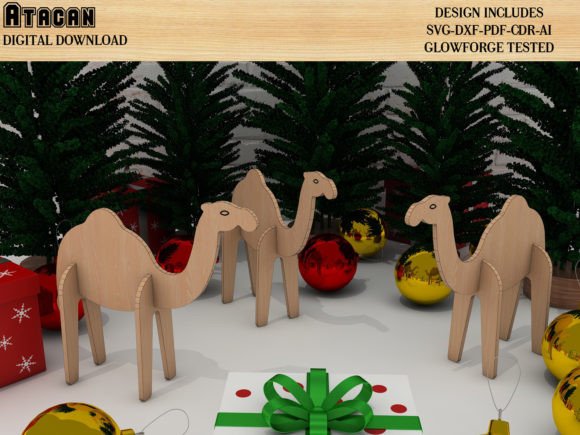
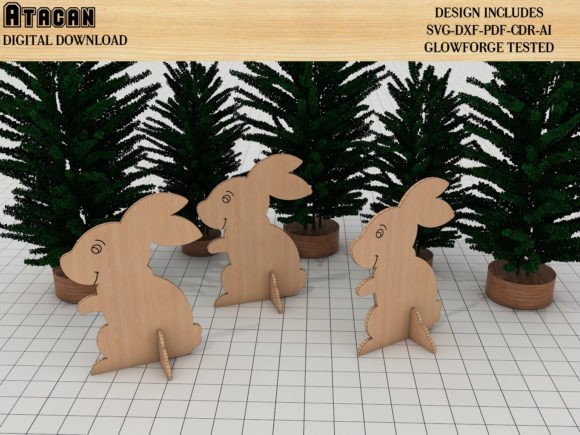
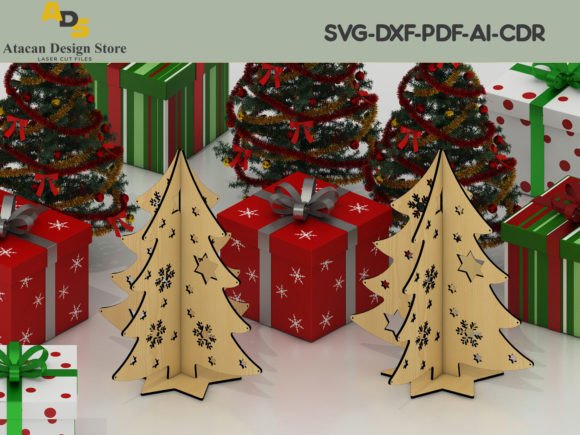
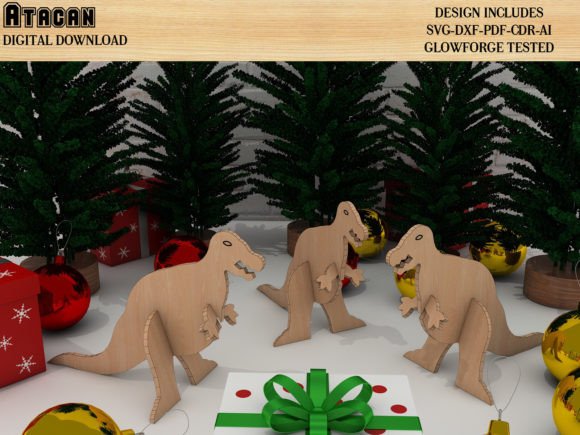
Bringing prehistoric creatures to life through modern fabrication technology is easier than ever with specialized 3D dinosaur vector plans. These digital blueprints are far more than simple flat outlines; they are engineered assembly kits that transform standard sheets of wood, acrylic, or cardstock into fully dimensional animal shapes. For makers and creators, these files represent a bridge between digital design and tangible craftsmanship, allowing for the rapid production of intricate models without the need for advanced 3D modeling skills or expensive printing equipment.
The primary appeal of these vector plans lies in their precision and versatility. Each file contains meticulously calculated slots, tabs, and interlocking joints designed to fit together seamlessly. While specifically optimized and tested using a Glowforge Pro to ensure perfect tolerances, the design philosophy embraces universal compatibility. Whether you operate a high-end industrial laser cutter or a desktop crafting machine, these plans adapt to your workflow. They solve the common frustration of finding 3D models that actually work with subtractive manufacturing, providing a reliable foundation for both hobbyist projects and commercial product lines.
Cross-Platform Compatibility for Every Maker
One of the most significant advantages of this digital collection is its broad compatibility across different machine ecosystems. The files are not locked into a single proprietary format, making them accessible to a wide range of users. If you are working with laser cutting systems like Glowforge, xTool, or OMTech, the SVG and DXF formats provide clean, continuous cut lines that minimize burn marks and ensure structural integrity. The testing process on a Glowforge Pro serves as a benchmark for quality, giving users confidence that the joint tolerances have been verified under real-world conditions.
However, utility extends well beyond laser engravers. These 3D dinosaur vector plans are equally valuable for owners of paper craft machines and vinyl cutters. Users with Cricut, Silhouette Cameo, Sizzix, Brother ScanNCut, or Gemini devices can utilize the same source files to create scaled-down versions in cardstock, heavy paper, or thin balsa wood. This flexibility allows educators and parents to create safe, lightweight paper models for classroom activities, while professional fabricators can produce durable wooden displays for retail environments. The ability to use a single design asset across multiple platforms maximizes the return on investment for digital makers who own diverse equipment.
Practical Applications from Classroom to Commerce
The value of these animal shapes transcends mere novelty. In educational settings, they serve as exceptional tactile learning aids. Assembling a 3D model requires spatial reasoning, fine motor skills, and patience, making these plans ideal for STEM lessons, history units on paleontology, or art classes focused on structure and form. Because the files are compatible with paper cutting machines, teachers can easily produce enough kits for an entire class without requiring students to handle dangerous laser equipment. The resulting models become lasting artifacts of the learning experience rather than disposable worksheets.
For entrepreneurs and small business owners, these vector plans offer a streamlined path to product development. Creating unique inventory for craft fairs, Etsy shops, or boutique retail stores often involves significant prototyping time. These pre-tested designs eliminate the guesswork, allowing sellers to focus on finishing techniques like painting, staining, or personalization. A laser-cut dinosaur skeleton can be sold as a premium desk ornament, a puzzle kit, or part of a larger themed collection. Since the files include industry-standard formats like AI and CDR, designers can also import them into Adobe Illustrator or CorelDRAW to add custom engravings, logos, or modifications before cutting, enabling true brand differentiation.
Understanding Your Digital File Package
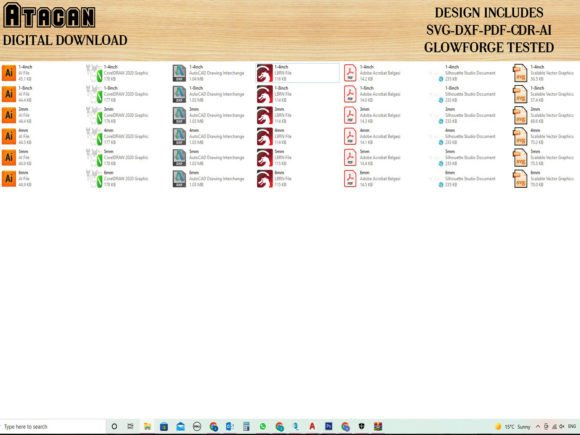
When acquiring digital fabrication assets, knowing exactly what is included prevents workflow interruptions. This package is structured to cover every stage of the creation process. You will receive a comprehensive suite of vector files including DXF, SVG, PDF, AI, and CDR formats. The SVG files are generally best for Glowforge and Cricut users due to their native support and scalability without quality loss. DXF files serve as the universal exchange format for CAD-based laser software like LightBurn or RDWorks. AI and CDR files cater to professional designers who wish to edit nodes or adjust sizing within vector illustration software.
Additionally, the package includes JPG reference files. These are crucial for assembly guidance and should not be overlooked. While the vector files tell the machine where to cut, the JPGs show the human builder how the pieces relate to one another in three-dimensional space. Having a visual reference reduces assembly errors and helps identify parts quickly, especially for complex models with dozens of components. It is important to note that the JPGs are for reference purposes only and should not be used as cutting templates, as raster images lack the precise geometric data required for accurate fabrication.
Material Selection and Assembly Best Practices
Achieving professional results with 3D dinosaur vector plans depends heavily on material choice and machine calibration. Although these designs are tested on a Glowforge Pro, variations in material thickness can affect joint tightness. When working with plywood or MDF, always measure the actual thickness with calipers rather than relying on nominal specifications, as a "3mm" sheet might actually be 2.8mm or 3.2mm. Adjusting your kerf settings or scaling the design slightly in your software can compensate for these variances, ensuring the model stands sturdy without excessive glue.
For paper craft machine users, the weight of the cardstock matters significantly. Lightweight paper may result in floppy joints that cannot support the model's weight, while extremely thick cardstock might exceed the cutting capacity of machines like the Silhouette or Cricut. Testing a single joint section before committing to the full cut saves both time and material. Furthermore, consider the grain direction when cutting wood; aligning long structural pieces with the grain increases durability. These practical considerations, combined with high-quality vector assets, empower makers to produce stunning 3D animal shapes that look professionally manufactured regardless of their skill level.
Optimizing Workflow for Mixed Media Projects
Creative professionals often combine laser cutting with other media to enhance the final presentation. The clean lines produced by these vector plans make them excellent bases for mixed media art. Consider using the laser to cut the structural skeleton from birch plywood, then using a paper cutter to create detailed skin textures or decorative overlays from colored cardstock. This hybrid approach leverages the strengths of both machine types and adds visual depth that single-material projects often lack. Because the files are provided in editable vector formats, resizing individual components to accommodate different material thicknesses in a layered assembly is straightforward, encouraging experimentation and artistic innovation.